Every top AI model — in one account
Chat with GPT, Claude and Gemini. Images with Seedream, GPT Image and FLUX. Video with Seedance, Veo and Kling. No subscriptions: top up from $1 and pay only for what you use.
12,000+ users 4.9 on Telegramtop-ups from $1
- Seedance 2.5Sunrise over a mountain lake — text to video
- Seedance 2.5Night alley in Tokyo — text to video
 Seedream 5.0 ProFashion editorial in the dunes
 FLUX.2 ProRamen, food photography
 Nano Banana 2Perfume bottle, studio light
Models from the labs that set the pace
Every model in one window — no API keys, no VPN, no stack of subscriptions
One account — every tool
Chat, generation studios, mini-apps and the Telegram bot share one balance: top up once, use it everywhere.
- Chat62 text models, files and PDFs, voice, web search with sources and a thinking mode.GPT-6 AstraClaude Fable 5.1Gemini 3.8 FlashOpen chat
- ImagesCurrent image models, one-click styles, up to 14 reference images and editing right in the viewer.Seedream 5.0GPT Image 2Nano Banana ProOpen studio
- VideoThe latest video models: text and photo to video, first and last frame, references, audio — clips up to 30 seconds.Seedance 2.5Veo 3.1Kling 3.0Open studio
- Music & voiceTracks from a description and text-to-speech with OpenAI voices — for videos, podcasts and lessons.Suno v4OpenAI TTSMake a track
- Apps100+ mini-apps: upload a photo, get the result. Restoration, background, interiors, try-on.No prompts neededAll apps
- LearningQuizzes, flashcards and courses from any material — PDFs, links and notes.Quizzes · Cards · CoursesCreate a quiz
- Telegram botSame account, same balance and history — in the messenger, on the go.@openlearnai_botOpen the bot
Use cases
What people actually do here
Four typical situations where one account replaces a stack of services. Each one says what solves the task and what it costs in practice.
Studying
Unpack a topic, prepare for an exam, get through someone else's paper. You upload the notes or the PDF and ask about the text, not about the model's memory. The same document turns into flashcards and a quiz for self-testing — no retyping.
- Drop a PDF or a photo of your notes into the chat and ask about it
- Build flashcards and a quiz from the material in the learning studio
- Check the wording by voice — dictate, then listen to the answer
A short topic breakdown — under $0.01
Open chatWork
A contract, a report, an email, a spreadsheet. The model reads your files, and web search brings fresh facts with links to the pages, so you can check them. The answer, draft or summary stays in the chat history to come back to.
- Compare two documents and pull out the differences
- Turn on web search when you need current data with sources
- Keep work chats in a project with shared context
A 500-word answer from Claude Fable 5.1 — about $0.05
All text modelsContent
Images for a post, a cover, a short clip, a voiceover. Styles apply in one click, up to 14 reference images, edits happen right in the viewer. Video is built from text or a photo, with first and last frame and audio.
- Generate frames in the image studio and refine them in the viewer
- Animate a photo into a clip of up to 30 seconds
- Add a voiceover or music in the audio studio
One Seedream 5.0 Pro image — about $0.05
Browse the galleryCode and routine
Code, regexes, migrations, log triage — in a chat with a model that can reason. Repetitive jobs like photo restoration or background removal live in mini apps: upload a file, get the result, no prompting.
- Turn on thinking mode for the hard step
- Run a repetitive job through a mini app
- Keep several tasks in separate chats — each with its own model
A mini app run — cents per job
All apps
Chat
One chat — all of the work
You pick the model that fits the task when the conversation starts — from then on it answers consistently, with no swaps along the way. Files and images, voice, web search with sources and thinking mode live in the same window, on the best models from OpenAI, Anthropic, Google, DeepSeek, xAI and others.
- Files and imagesPDFs, spreadsheets, screenshots — ask questions about the document.
- Voice in, voice outDictate instead of typing, listen to the answers.
- Web search with sourcesFresh data with links to the pages.
- Thinking modeDeep reasoning on any model that supports it.
Images
50 image models — from photorealism to watercolor
Seedream 5.0, GPT Image 2, Nano Banana Pro, FLUX.2, Qwen Image, Recraft, Grok Imagine — pick the one for the job. References, styles, editing in the viewer and a shared gallery.
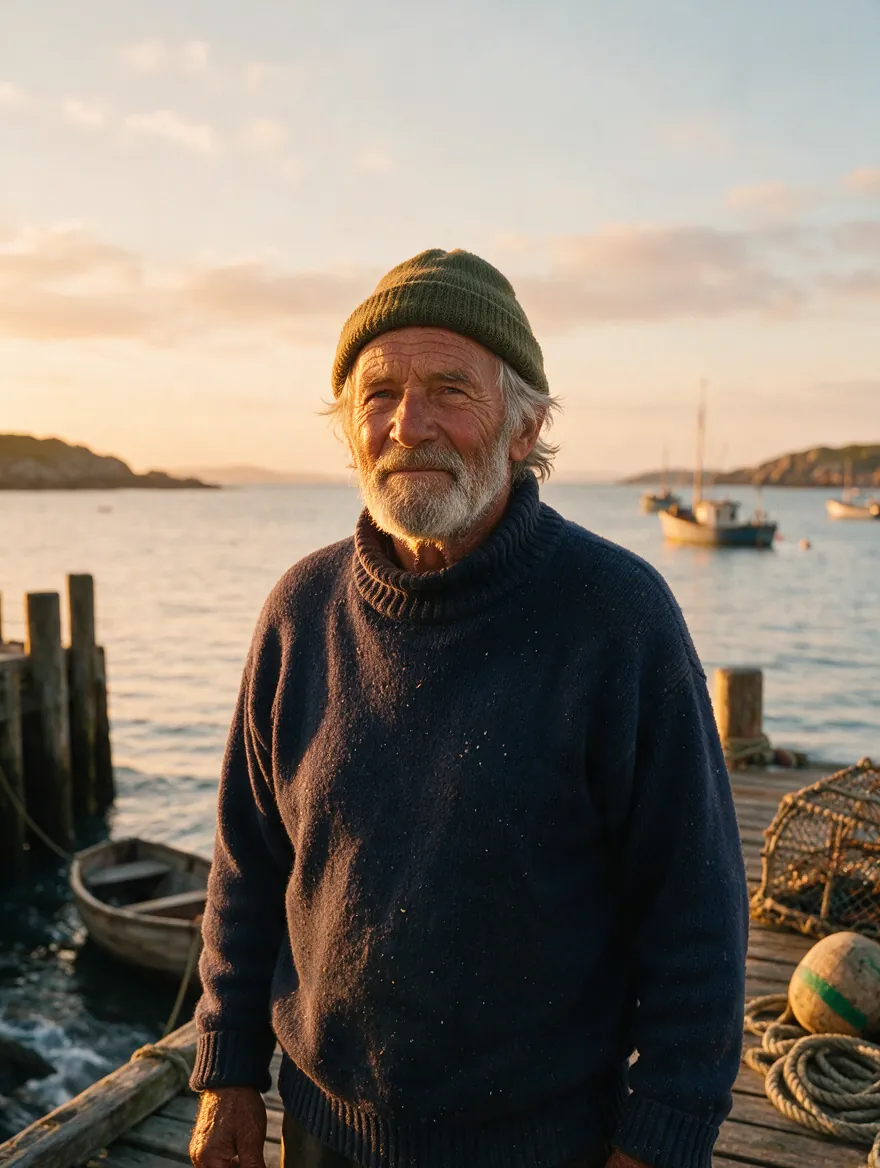 Seedream 5.0 ProFisherman portrait at dawn
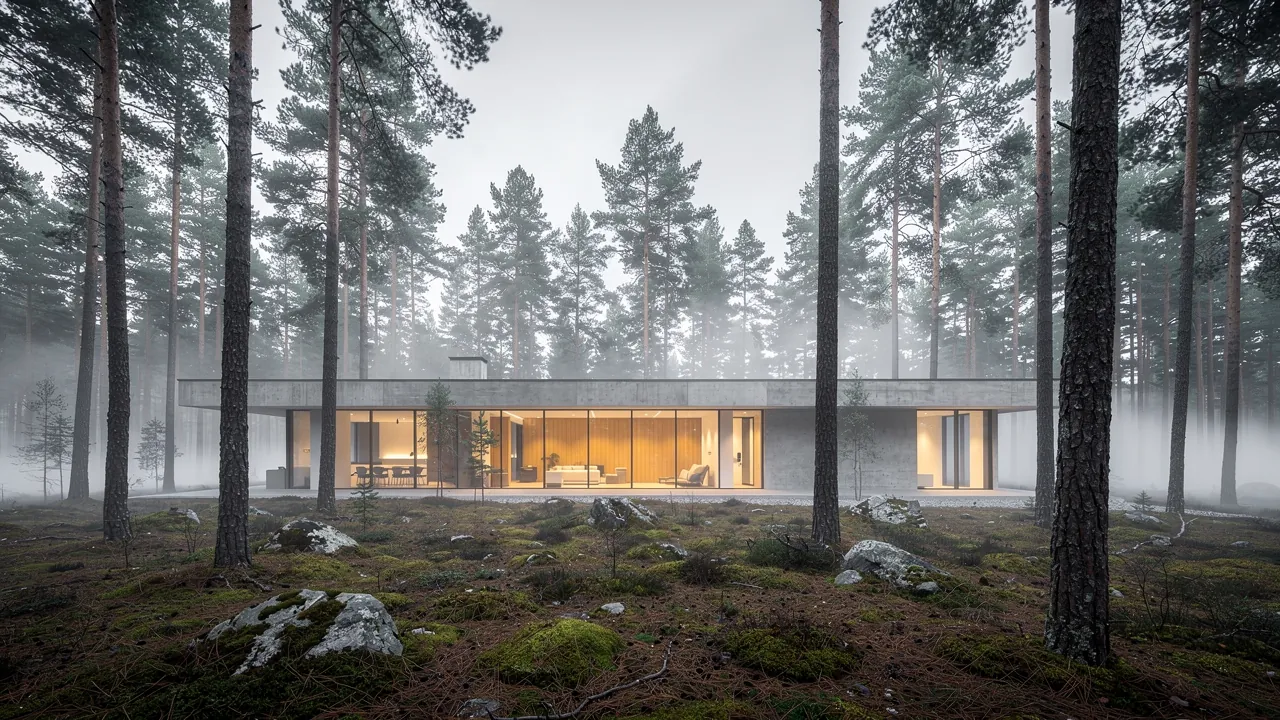 FLUX.2 ProHouse in a pine forest, fog
 Nano Banana 2Rainy alley, anime
 Kling O1 ImageSnow leopard, telephoto
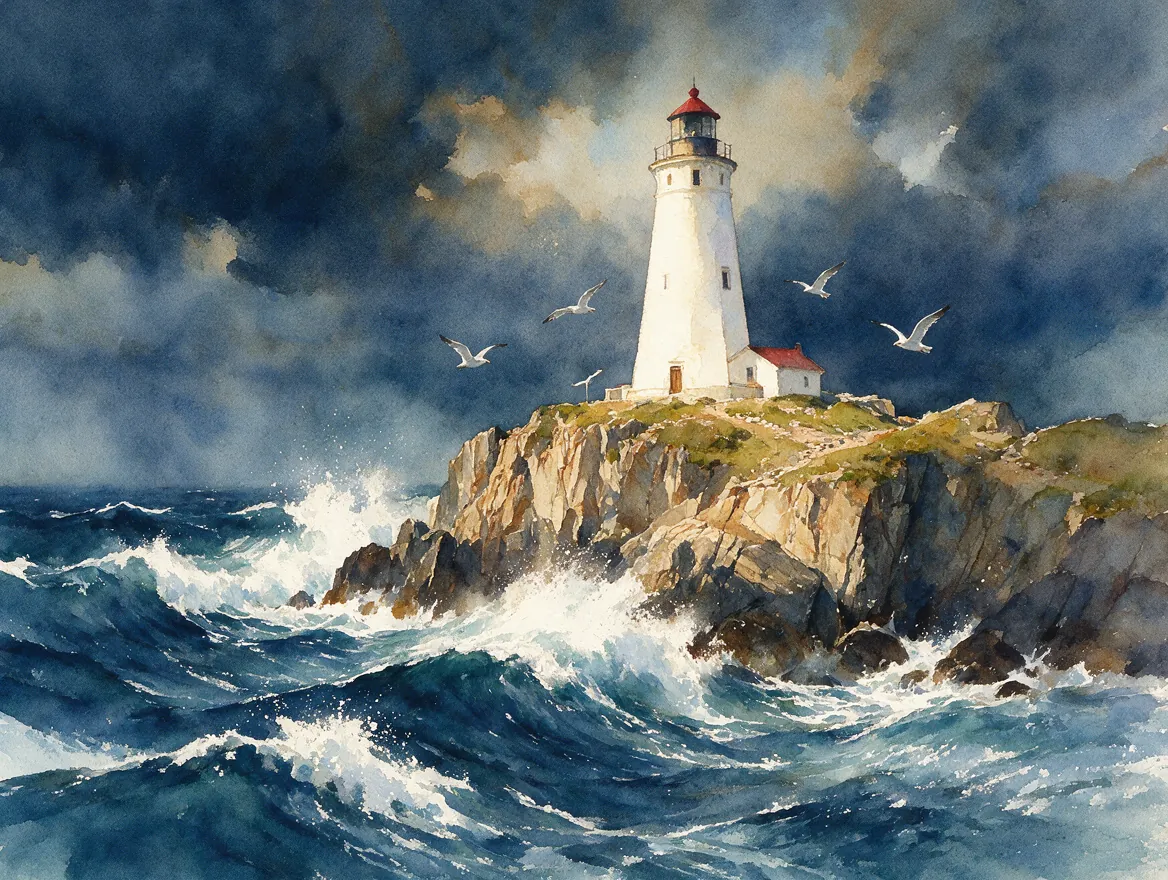 Seedream 5.0 ProLighthouse on the cliffs, watercolor
 FLUX.2 ProButterfly on lavender, macro
 Grok Imagine 2.0Starship hangar, concept art
 GPT Image 2Home office at night, isometric
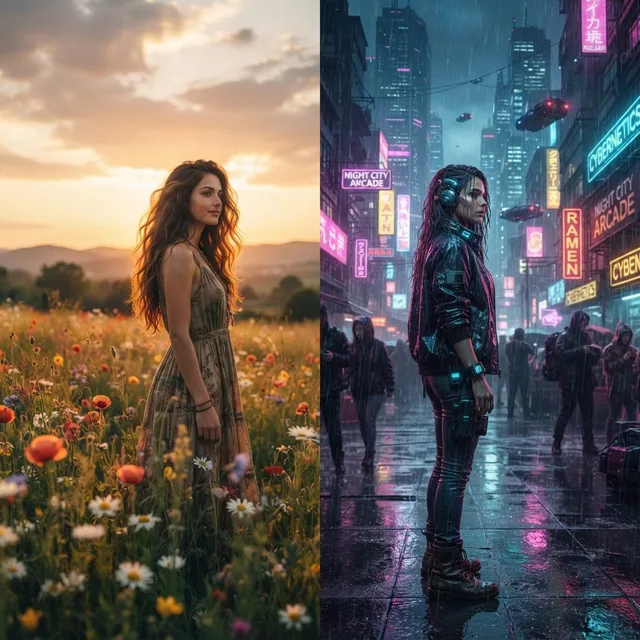
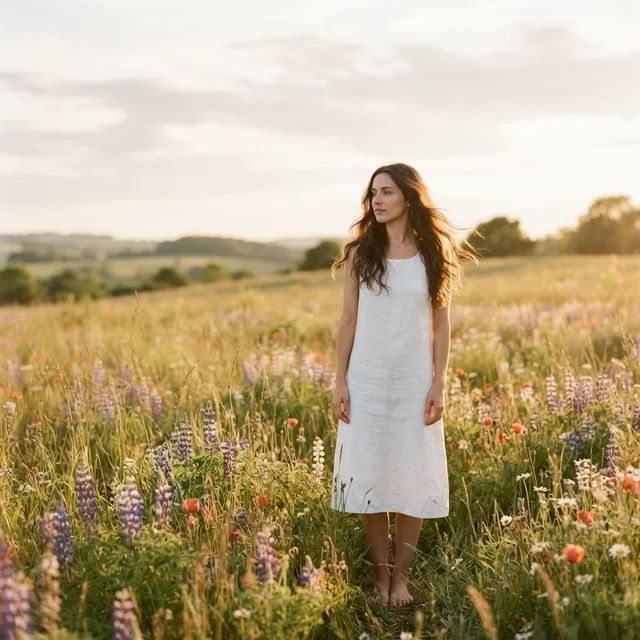
Styles in one click








Video
Video from text and photos
Seedance 2.5, Veo 3.1, Kling 3.0, Sora 2 Pro, Runway Gen-4.5, Hailuo 3, Wan 3.0. First and last frame, references, video extension, audio — up to 30 seconds per request.
- Seedance 2.5Espresso, slow-motion macro
- Seedance 2.5Fox in an autumn forest, 3D animation
- Seedance 2.5Sphere over sand, render
Every clip on this page was generated with Seedance 2.5 from a text prompt — no editing, no post-processing.
Apps
Small tools that save hours
Mini apps: upload a photo, get the result. No prompts, no settings — cents per run.
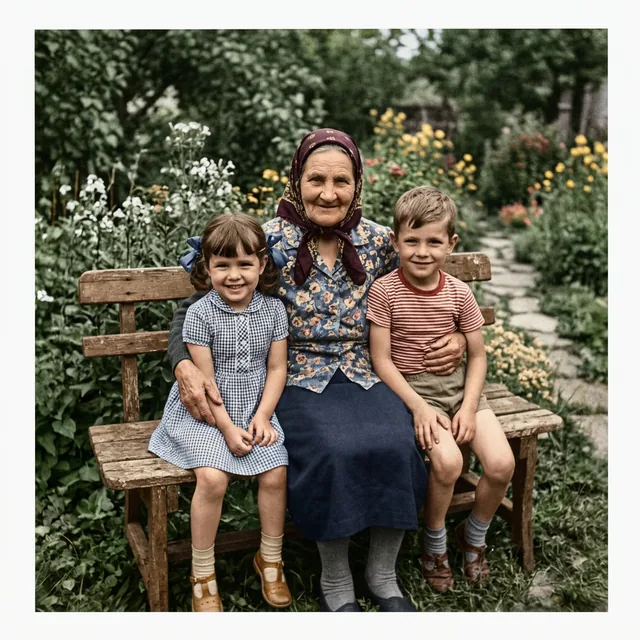
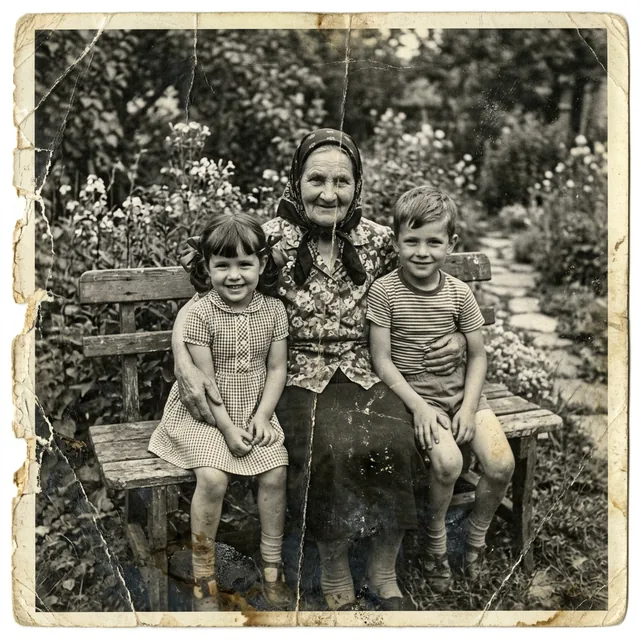

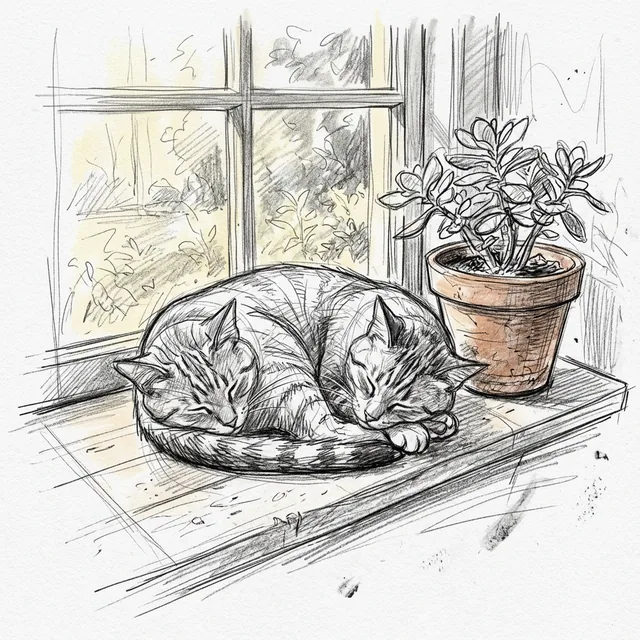
Sketch to Image 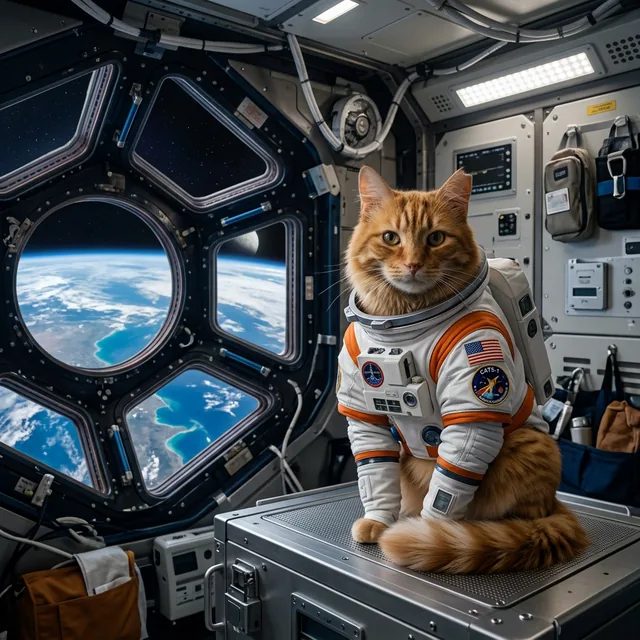
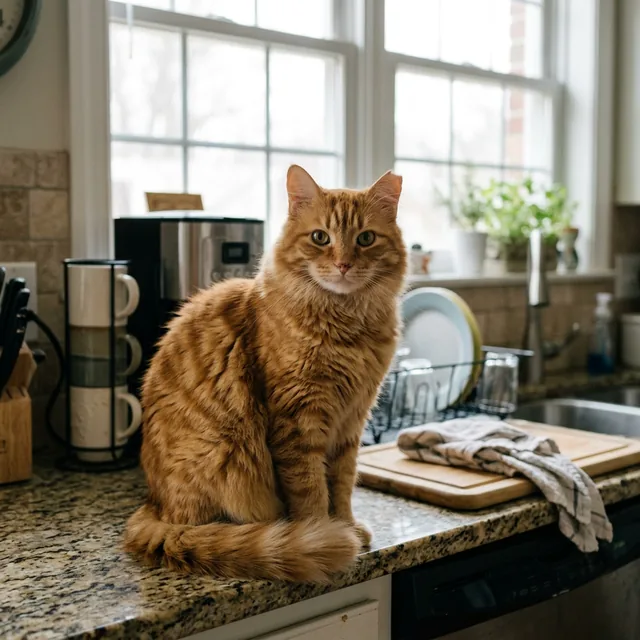
Pet Hero 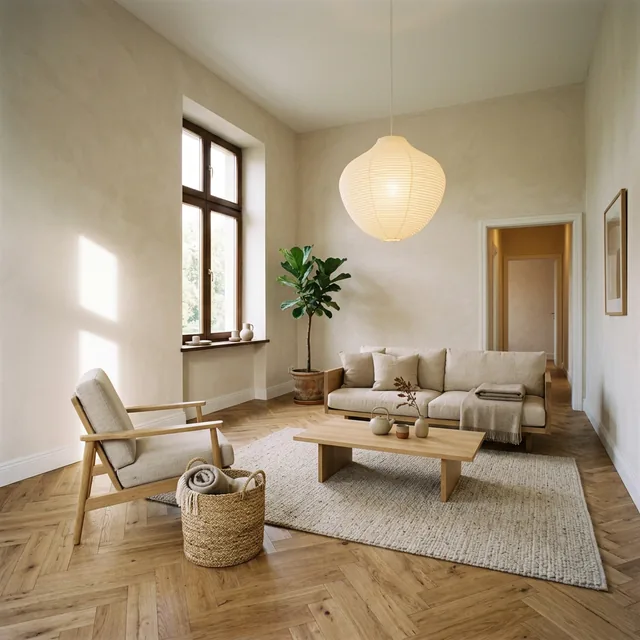
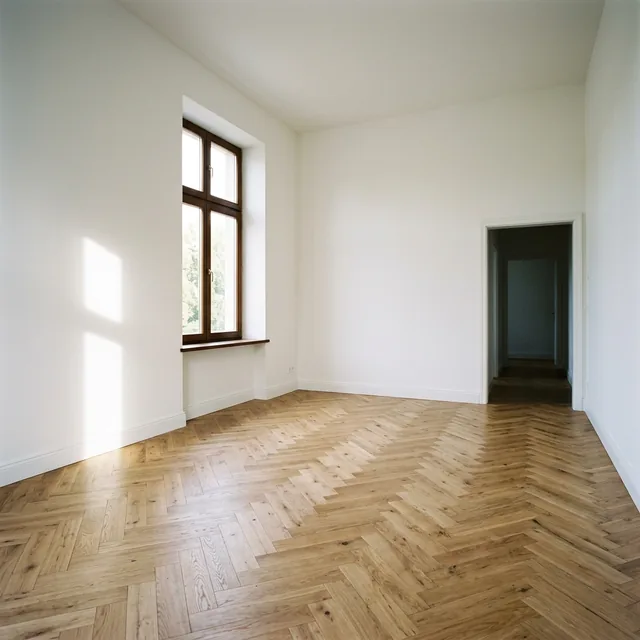
Furnish Empty 

Drawing to Photo
Assistants and memory
Set it up once, it keeps working
An assistant is a model with your instructions: tone, answer format, what to always take into account. Plus memory across chats and projects, so you don't explain the context from scratch every time.
Ready-made roles
The catalog has assembled assistants — a tutor, for example. You pick the role in the composer and start talking without describing the task first.
Your own instructions
Create an assistant for your work: a standing prompt, the answer format, a default model. It is available on the web and in the Telegram bot.
Memory and projects
Memory keeps what you asked it to remember and brings it into new chats. Projects group conversations on one topic with shared context and files.
Work and news
See what other people get
The public gallery shows generations with the model and the prompt behind them: you can see how a frame was made and reuse the trick. In stories we break down what's new in the models and how to use it.
- Seedream 5.0 ProLighthouse on the cliffs, watercolor
- Grok Imagine 2.0Starship hangar, concept art
- GPT Image 2Home office at night, isometric
- Kling O1 ImageSnow leopard, telephoto
Honest pricing
You can see what every charge was for
Under each answer — the tokens spent on the request and the reply, and the amount charged; your balance drops by exactly that. The full history lives in settings: “Balance & spending” → “All transactions”, where every row is labelled with its type (chat, image, video, speech) and model. No subscriptions, no plans, no expiring credits.
- Top-ups from $1 or 50 ₽
- The balance never expires
- International cards, Russian cards, SBP and crypto
- Every model in the catalog unlocked at once, no tiers
- Short answer from Gemini 3.8 Flash
- under $0.01
- One Seedream 5.0 Pro image
- ≈ $0.05
- 500-word answer from Claude Fable 5.1
- ≈ $0.05
Comparison
Subscriptions versus paying per use
The usual AI setup is three subscriptions at once: a chat model, a second one as backup and an image generator. You pay for them every month, even in the weeks you don't open them. Here it is one balance for everything and a charge per request.
| Service | What you get | Price |
|---|---|---|
| ChatGPT Plus | OpenAI models | $20 / mo |
| Claude Pro | Anthropic models | $20 / mo |
| Gemini Advanced | Google models | $20 / mo |
| Three subscriptions total | three ecosystems, three accounts | $60 / mo |
| OpenLearn | the best models from every provider, plus images and video | what you used |
Competitor prices are their published subscription rates, checked in September 2026. OpenLearn has no subscription: top up from $1 and pay for the requests you make.
When a subscription wins: if you write a lot to the same model every single day, a flat rate can come out cheaper. That's why we show the cost of every answer right away — it's easy to compare.
Data and payments
What happens to your data
Short answers to the questions we get most often. The full wording lives in the privacy policy and the terms of use.
Your conversations stay yours
Chats and generations are stored in your account and are not used to train models.
Deleted together with files
Any chat is deleted along with its attachments. Your balance history is visible in settings.
Sign-in without the extras
Email, Google, Yandex or Telegram. Signing up needs no card.
Payment without a VPN
Russian bank cards, SBP, international cards and crypto — no workarounds needed.
Telegram
The same account — in Telegram
The bot runs on the same backend: one balance, one history, the same models. Ask on the go in the messenger, continue on the web with files and studios.
Bonuses
Invite friends, earn bonuses
Every account has its own link and promo code. A friend signs up with it and gets a starting bonus, and you get a commission on their top-ups. Your own top-ups earn cashback.
Link and promo code
Ready right after sign-up — in settings, the “Referral program” section.
Commission on top-ups
Credited to your balance as bonuses and shown in the transaction history as its own row.
Top-up cashback
Also lands on the balance as a bonus — again a separate row in the ledger.
- The current commission, cashback and welcome bonus amounts are shown in your account settings.
Getting started
Three steps to your first result
Create an account
Email, Google, Yandex or Telegram. 30 seconds, no card.
Get your bonus
A welcome bonus is already on the balance — the first requests are free. Top up from $1 whenever you like.
Pick a model
Chat, images, video or apps — switch between models and pay only for what you use.
Frequently asked questions
How does billing work?
Which models are available?
How much do images and video cost?
Which payment methods do you accept?
What happens to my data?
Is there a monthly fee or subscription?
How is the bot different from the website?
Can I tune a model for my own tasks?
What files can I upload?
What languages does it work in?
Is there a referral program?
Ready to try?
Registration is free and takes 30 seconds. A welcome bonus is already on the balance — the first requests are on us.